Methodology
Measuring cognitive load during computer work.
The established methods, the private timing signal TypeFuel is testing, and the evidence required before stronger claims.
Status: This explains the v0.1 keyboard-only learning gauge, research-only cursor metrics, and the evidence threshold for a validated score. It does not yet contain TypeFuel validation results.
- Current protocol
- Version 0.1.0 — keyboard-only visible gauge.
- This revision
- Defines mental workload, scored keystroke features, privacy boundaries, and the gates required before stronger claims.
- Open questions
- Stability, calibration, subgroup robustness, and whether cursor metrics add value beyond keyboard timing.
How to measure cognitive load and mental workload
Cognitive load and mental workload are related terms used to study the cognitive demand a task places on a person. Neither term is, by itself, a productivity score or a diagnosis. Researchers commonly use self-report scales, task performance, eye tracking, physiological sensors, or combinations of those methods. Each has tradeoffs: some interrupt the work, some require specialized hardware, and none automatically validates a new passive desktop signal.
TypeFuel is testing a different route for everyday computer work: a passive estimate from keyboard timing, correction patterns, and rhythm variability compared with each person's own baseline. The model does not compare users against one another, read typed content, or treat the gauge as a validated medical score. Published work makes the direction plausible; only Research Preview results can establish whether it is stable and useful in TypeFuel.
The v0.1 gauge is conservative. It starts with keyboard timing, corrections, and rhythm variability compared with your own baseline. Cursor rhythm is research-only unless validation shows it adds value. See the cognitive load tracker for how this method appears in the product.
What the research says
These studies make the premise plausible. They do not validate TypeFuel. Research Preview exists to test whether these signals work in our product, with our privacy constraints, and with real users.
These papers are research context, not TypeFuel validation results. The Research Preview tests whether this direction holds in TypeFuel, with TypeFuel's privacy constraints and real desktop work data.
Core evidence we rely on
- de Jong et al. (2020). Real-life office typing work supports the idea that typing behavior can change over the workday. TypeFuel uses it to justify testing correction patterns and inter-key timing against personal baseline, not as TypeFuel validation. Read the PLOS ONE paper →
- Pimenta, Carneiro, Novais, and Neves. Prior work on keyboard and mouse interaction patterns is direct precedent for testing whether private computer interaction patterns can carry load-relevant signal. Read the Springer paper →
- Acien et al. (2022). Keystroke dynamics research supports the choice to start with typing rhythm and correction patterns. We do not claim TypeFuel achieves their reported performance. Read the JMIR paper →
What does TypeFuel measure?
Keystroke dynamics describes measurable timing and rhythm patterns in keyboard interaction. TypeFuel computes per-minute aggregates from those patterns; raw keystrokes, typed words, and raw work content are not stored.
Keystroke dynamics and typing rhythm: the scored keyboard signal
Only these passive keyboard features affect the visible v0.1 learning gauge:
- Backspace rate: backspaces divided by total keydowns. Higher personal z-score means more correction friction.
- Median inter-key interval inside typing bursts: median time between consecutive keydowns inside bursts with no gap greater than 2 seconds. Higher personal z-score means slower rhythm.
- Coefficient of variation of inter-key interval: std(IKI) divided by mean(IKI) inside bursts. Higher personal z-score means more irregular typing rhythm.
Research-only metrics: captured for learning, not v0.1 score
- mouse_path_inefficiency: actual cursor path length divided by straight-line distance from movement start to click. This does not know what the user clicked on and is not target accuracy.
- direction_changes_per_trajectory: meaningful direction changes before a click, research-only.
- idle_ratio / pause rhythm: confidence and context, not direct load.
- active_minute and interaction_mode: data sufficiency and context, not load by themselves.
What we do not capture
TypeFuel does not capture typed content, app names, window titles, browser URLs, screen text, file names, contacts, work content, screenshots, audio, microphone, camera, or UI targets. For mouse path inefficiency, we only use cursor movement coordinates and click position; we do not know what the click was on. Read The Deal for the plain-language data trade before preview installation.
How the learning gauge works
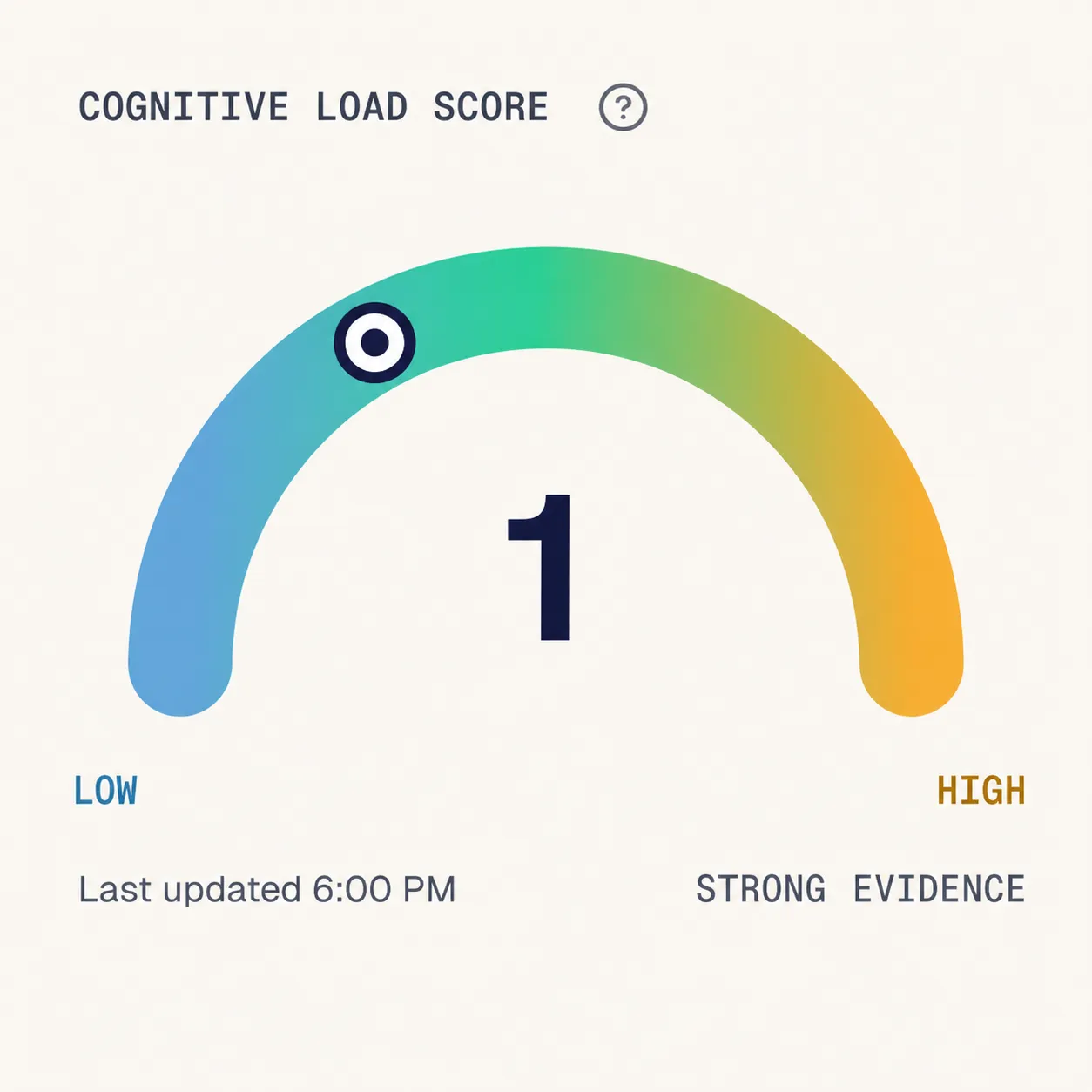
The visible Research Preview gauge from day 14 is keyboard-only. It uses personal z-scores from backspace rate, median inter-key interval, and IKI variability, then maps that signal to a 0-3 cognitive load score with Low, Medium, and High language.
Your gauge is learning. It is not a validated medical score.
A higher or lower estimate is not a measure of productivity, output quality, or medical state; it is a conservative personal signal that still needs TypeFuel validation.
- Personal baseline first; no cross-user component.
- Mouse metrics do not move the v0.1 visible gauge.
- The visible score uses Low, Medium, and High load language.
- No clinical score in Research Preview.
- No diagnosis, treatment, prevention, or burnout detection.
The key validation question is whether any feature improves stability and usefulness beyond time of day, simple personal baseline, and the keyboard-only model. Only features that improve beyond the keyboard-only model should be candidates for v1.0.
Validation criteria
We will ship v1.0 only when all of the following criteria are met on the Research Preview cohort:
| Criterion | Threshold |
|---|---|
| Sample size | N >= 50 users with >= 14 days of passive timing data |
| Primary outcome | Cohort-level stability and day-shape consistency above the personal-baseline control |
| Statistical certainty | 95% CI lower bound on the above > 0.4 |
| Calibration | Load-band transitions are stable enough to explain without overclaiming |
| Stability | Test-retest correlation > 0.7 across non-adjacent days within the same user |
| Subgroup robustness | All of the above hold across slow / medium / fast typists separately |
If any of these fail, v1.0 does not ship. We continue iterating in Research Preview and update this protocol with what we found, including negative or inconclusive results. If cursor metrics do not improve the keyboard-only model, they do not enter the visible score. See the validation roadmap for what happens before and after validation.
What we still need to prove
- A measured effect size on TypeFuel data.
- A reliable load-band transition analysis.
- A reliability diagram for score calibration.
- Subgroup analyses across typing speed, age range, keyboard type, or operating system.
- A test-retest correlation on real users.
- Any individual-level accuracy claim.
- Evidence that research-only cursor metrics improve prediction beyond the keyboard-only model.
What changes at v1.0
- The Research Preview learning gauge is replaced by a validated local score, only if the evidence earns it.
- The feature set can expand beyond keyboard-only only when research-only cursor metrics prove incremental lift beyond the keyboard model.
- TypeFuel runs 100% local: features extracted on-device, score computed on-device. No behavioral data leaves the user's machine.
Download the Research Preview
TypeFuel starts with desktop installation, onboarding, and baseline building. The website shows a download state based on your browser's operating system.
Install TypeFuel
Download the desktop Research Preview.
Start building your personal baseline today. Download the macOS or Windows Research Preview installer.
- No wearable
- No typed content
- Personal baseline
- Free during Research Preview