Product comparison
A different kind of RescueTime alternative.
RescueTime explains where time went. TypeFuel is designed to show when computer work looks cognitively heavier or lighter than your own baseline.
Short answer: TypeFuel is not a like-for-like time tracker. It is the alternative when the question you care about is cognitive load, not minutes by app or website.
The decision
Choose the question before the product.
Both products run in the background on a computer, but they observe different things and produce different answers. RescueTime is useful when you want an automatic record of activity and time. TypeFuel is for people who want a private view of cognitive-load changes without classifying their work by app, website, project, or document.
If you need timesheets, project hours, distraction blocking, or a list of where your time went, choose a time tracker. If you want to see when demanding computer work changed against your personal baseline, TypeFuel is built around that narrower question.
TypeFuel vs RescueTime
The difference is what gets measured.
This comparison uses RescueTime's official feature and help pages, checked July 9, 2026. TypeFuel details reflect the current Research Preview.
| Decision point | TypeFuel | RescueTime |
|---|---|---|
| Main question | When did cognitive load rise or fall against my usual rhythm? | Where did my time go, and which activities shaped the day? |
| Primary signals | Keyboard timing summaries: correction rate, typing rhythm, and typing speed. | Active apps, websites, documents, window titles, and time spent in each activity. |
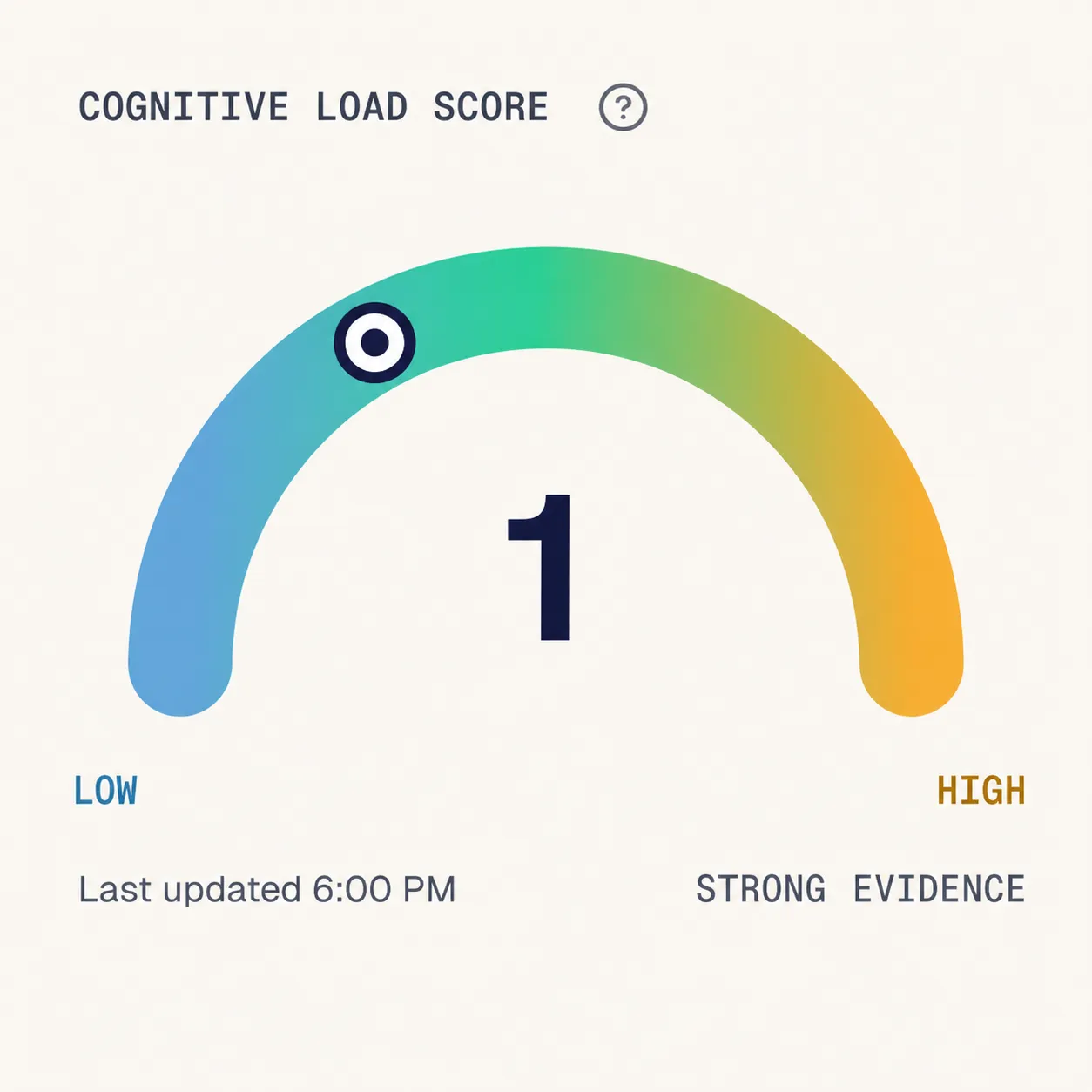
| What you see | A Low / Medium / High cognitive-load view, personal baseline, history, and visible timing drivers. | Activity timelines, time reports, productivity levels, goals, alerts, and focus tools. |
| Work-content boundary | No typed words, app names, URLs, window titles, screenshots, or file names. | No keystrokes or website content; active apps, websites, window titles, and optional document detail are tracked. |
| Intervention | Observation only in the Research Preview. No distraction blocking or productivity goals. | Focus Sessions, app and website blocking, goals, alerts, and time-based reports. |
Best fit
Which one should you choose?
The products overlap in being passive desktop tools. Their purpose, data, and output do not.
Choose TypeFuel when
You want to understand load, not audit time.
- You want cognitive load compared with your own baseline.
- You do not want app names, websites, files, or screenshots classified.
- You want timing drivers behind the estimate.
- You accept that the current signal is still a Research Preview.
Choose RescueTime when
You need a detailed account of time and activity.
- You need automatic app and website time tracking.
- You want productivity categories, goals, or activity reports.
- You want to block distracting apps and websites.
- You need project, task, or timesheet features.
Not a time tracker
What TypeFuel does not replace.
TypeFuel does not produce timesheets, billable hours, project logs, app rankings, website histories, or productivity scores. It does not block distractions. Those are useful jobs, but they require a different product and a different data boundary.
TypeFuel stays focused on one job: learning your normal computer-work rhythm, then showing when the load estimate rises or falls with enough confidence to be useful.
Read the TypeFuel methodology for the signal and validation boundaries, or The Deal for the complete privacy trade before installing.
Quick answers
Before you switch.
- Is TypeFuel a free RescueTime replacement?
- No. TypeFuel is free during the Research Preview, but it does not replace RescueTime's time tracking, activity reports, or focus tools.
- Does TypeFuel know which app or website I use?
- No. TypeFuel does not collect app names, window titles, browser URLs, file names, screenshots, or typed content.
- Does TypeFuel measure productivity?
- No. Cognitive load is not a productivity score. A heavier period can contain valuable work, and TypeFuel does not judge output.
- Is the TypeFuel estimate medically validated?
- No. The Research Preview is testing whether the passive signal is stable and useful. It is not a medical device, diagnosis, treatment, stress score, or burnout detector.
Sources and affiliation
RescueTime feature descriptions were checked against its official features page, tracking explanation, and plans page. RescueTime is a trademark of its owner. TypeFuel is not affiliated with or endorsed by RescueTime.
Install TypeFuel
Download the desktop Research Preview.
Start building your personal baseline today. Download the macOS or Windows Research Preview installer.
- No wearable
- No typed content
- Personal baseline
- Free during Research Preview